What to Look for in a Reliable PC Power Supply?

A reliable PC power supply is crucial for any computer enthusiast. It’s the heart that keeps all components alive and functioning optimally. According to Mark Johnson, an industry expert in PC hardware, "A quality power supply is the foundation of a stable system." This statement highlights the significance of choosing the right unit.

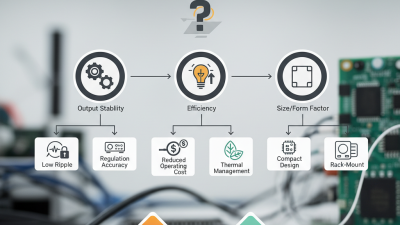
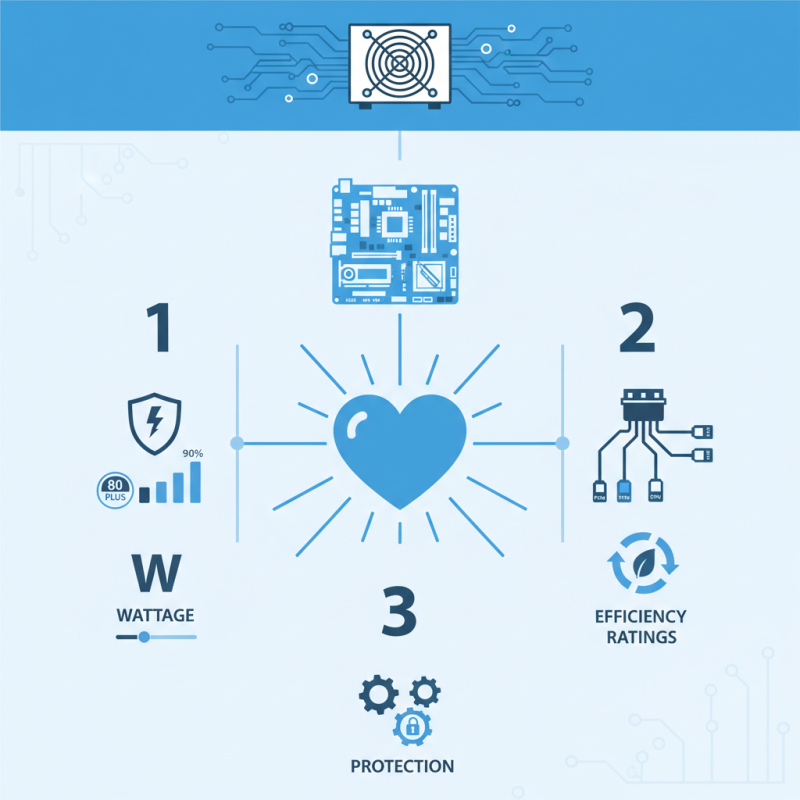
When evaluating a PC power supply, consider wattage, efficiency ratings, and connectors. The right wattage ensures your components receive adequate power, preventing failures. Efficiency ratings like 80 PLUS indicate how effectively the unit uses electricity. Lastly, sufficient connectors are vital for compatibility with various hardware setups.

It’s easy to overlook these aspects when building or upgrading a PC. Some users might focus solely on aesthetics or brand name. However, the wrong power supply can lead to system instability or even hardware damage. Hence, investing time in research is essential. Remember, quality over quantity is key. In the end, a good PC power supply protects and enhances your valuable investments.
What to Look for in a Reliable PC Power Supply?

Understanding the Importance of a Quality PC Power Supply

A quality PC power supply is crucial for system stability and longevity. It provides power to all components, ensuring optimal performance. A poor-quality supply can lead to hardware failures. According to a recent industry report, around 30% of system failures are linked to inadequate power supplies. This highlights the need to prioritize quality when making a selection.

When choosing a power supply, look for certifications. Efficiency ratings, like 80 Plus, indicate energy performance. A certified unit minimizes wasted energy and heat. Reliable units typically have better components, affecting their lifespan. It's important to consider the wattage as well. Oversizing can lead to inefficiencies, while undersizing risks system stability.

**Tips:** Opt for modular cables. They help manage airflow and reduce clutter. Keep in mind that not all power supplies come with the same features. Comparing specifications can be tedious, but it is essential. Don’t overlook user reviews; they can reveal insights on reliability and performance. Quality is often reflected in the warranty period offered.
Power Supply Efficiency Ratings Comparison

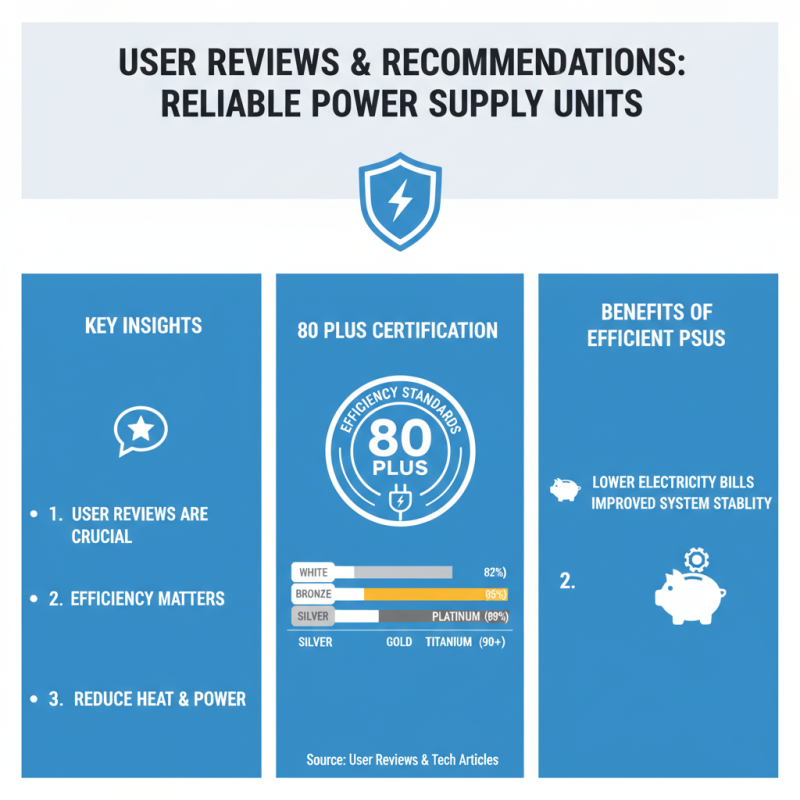
This chart illustrates the efficiency ratings of different levels of 80 PLUS certified power supplies. A higher efficiency rating indicates better energy usage and can lead to lower electricity bills and reduced heat output, which is crucial for maintaining a high-performing PC.

Key Specifications: Wattage, Efficiency Ratings, and Connectors

When selecting a reliable PC power supply, understanding key specifications is crucial. Wattage is the first factor to consider. It dictates how much power your system can draw. An insufficient wattage can lead to stability issues. Overestimating can waste energy and finances. A well-calibrated choice ensures efficiency and longevity.

Efficiency ratings measure how effectively a power supply converts AC to DC power. Look for 80 PLUS certification. This indicates that the unit performs at least 80% efficiency at typical loads. Higher ratings often signify better quality components. They may also result in lower electricity bills over time.

Connectors are equally important. Ensure the supply has the right types and number of connectors for your components. Modern graphics cards and motherboards may require specific connectors. Confirm compatibility to avoid potential issues. A mismatch can lead to system failure or damage. Consider these factors carefully when making a choice.

Safety Features: Overvoltage, Overcurrent, and Short Circuit Protection

When choosing a reliable PC power supply, safety features are crucial. Focus on three key protections: overvoltage, overcurrent, and short circuit. Overvoltage protection prevents excessive voltage from damaging your components. This is crucial, as even a minor voltage spike can lead to significant hardware failure.

Overcurrent protection is equally important. It ensures that the current flowing through the system remains within safe limits. If too much current is detected, the power supply will shut off, safeguarding your components. It's surprising how often users overlook this feature, leading to avoidable risks.

Short circuit protection is a must-have. It acts as a safety net, enabling the power supply to shut down when a short circuit is detected. This feature protects both the power supply and connected devices.

Tips: Always verify the specifications of your power supply. Look for models with documented test results. Skimping on a reliable power supply might save money initially but can lead to substantial costs later. Regularly check connections and cabling for wear. An investment in safety features today safeguards your hardware for tomorrow.

Brand Reputation and Warranty Considerations in Power Supplies

What to Look for in a Reliable PC Power Supply?

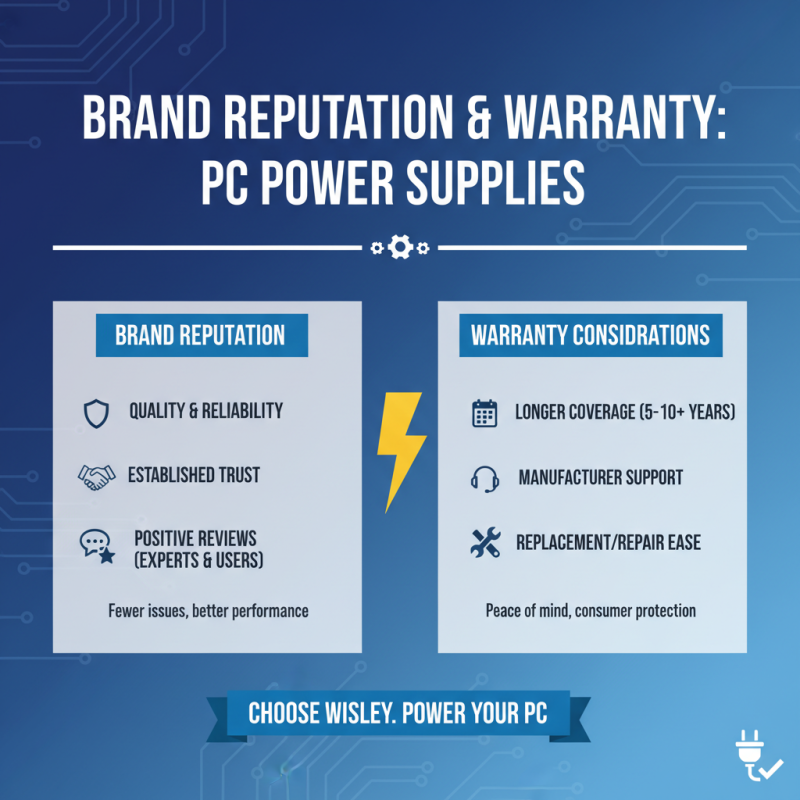
When choosing a PC power supply, brand reputation plays a crucial role. A well-known brand often indicates quality and reliability. These manufacturers have established trust over time. They frequently receive positive reviews from experts and users alike. A solid track record often means that there are fewer issues with their products.

Warranty considerations are equally important. A longer warranty period can provide peace of mind. It implies the manufacturer stands behind their product. Many reputable brands offer warranties ranging from three to ten years. This reflects their confidence in the power supply's durability. However, it’s essential to read the warranty terms carefully. Some warranties may have exclusions that limit coverage.

Consider how customer support interacts during warranty claims. Prompt and helpful support can alleviate the stress of dealing with defective units. Check forums or review sites for real user experiences. Not every power supply performs reliably, even from respected brands. Keeping these factors in mind can lead to a more informed decision.

User Reviews and Recommendations for Reliable Power Supply Units

What to Look for in a Reliable PC Power Supply?

When searching for a reliable power supply unit (PSU), user reviews can provide valuable insights. Many users emphasize the importance of efficiency ratings. An efficient PSU helps reduce electricity consumption and heat output. Reviews often highlight models with at least an 80 Plus certification. This certification indicates they meet specific efficiency standards.

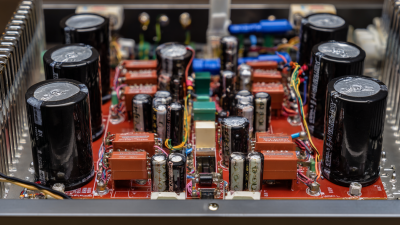
Another common point in discussions is the quality of components used. Users frequently mention the importance of capacitors. High-quality capacitors tend to last longer and perform better. Some reports note that cheaper units may fail unexpectedly. Many users share their personal experiences, stating that investing in a reliable PSU saves them from future headaches.

Noise levels also come into play. Reviews often discuss how quiet a power supply is under load. A loud PSU can be distracting during gaming or work. Users suggest looking for units with good fan designs to minimize noise. Moreover, consider the warranty offered. A longer warranty can be a sign of a manufacturer’s confidence in their product. Many find that this factor reassures them about their investment.